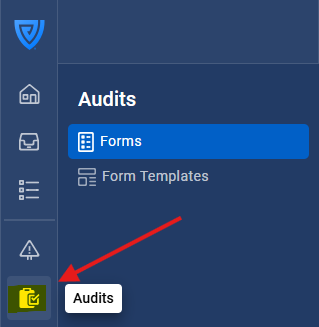
Navigate to the Audits tab on the left navigation bar.
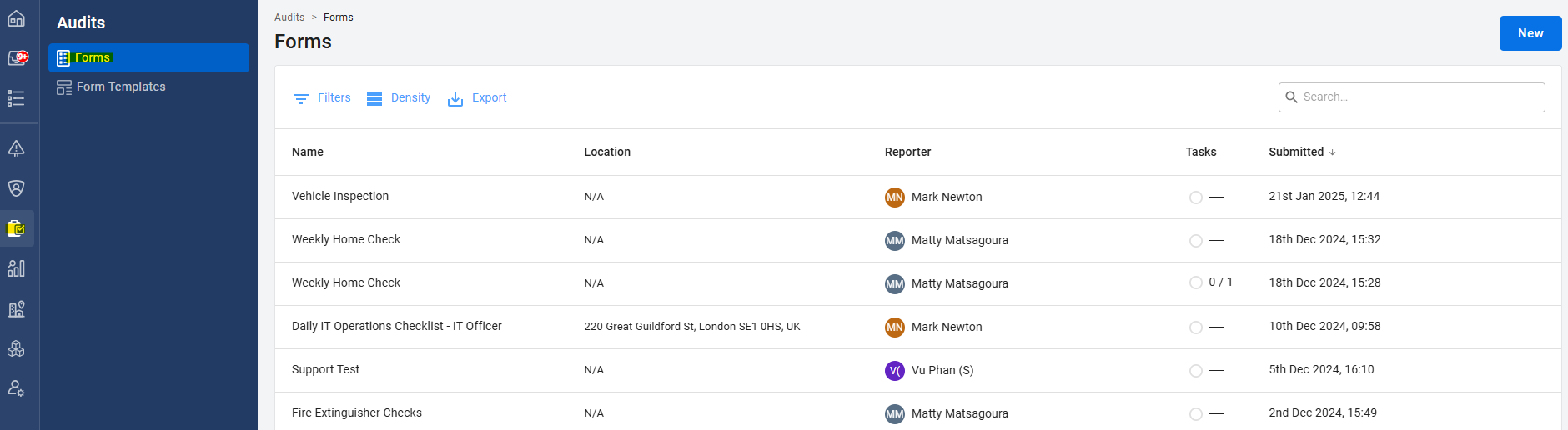
Choose the form you want to link to a Site/Asset/Contact/Document.
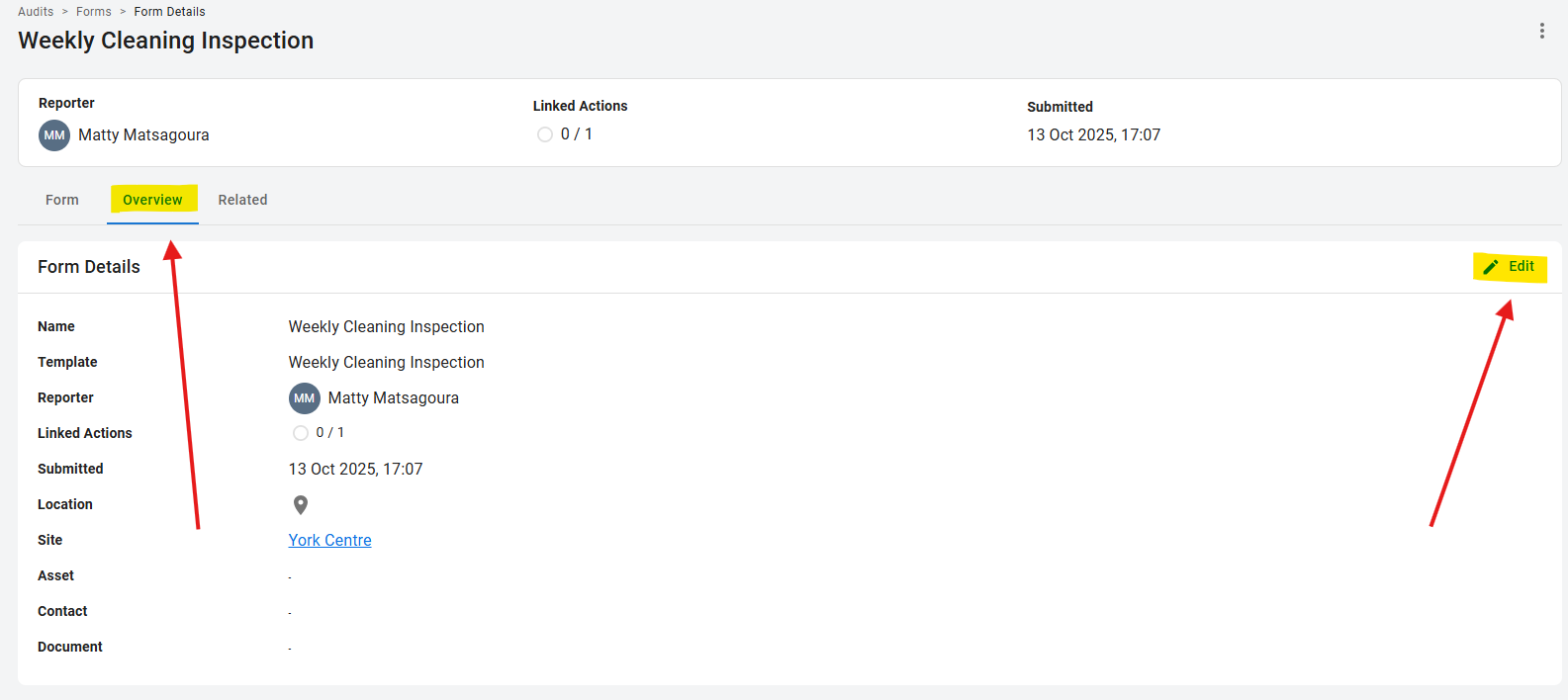
Click the Overview tab and then the edit button on the right.
Pick the Site/Asset/Contact/Document you want to link to the form and click save.
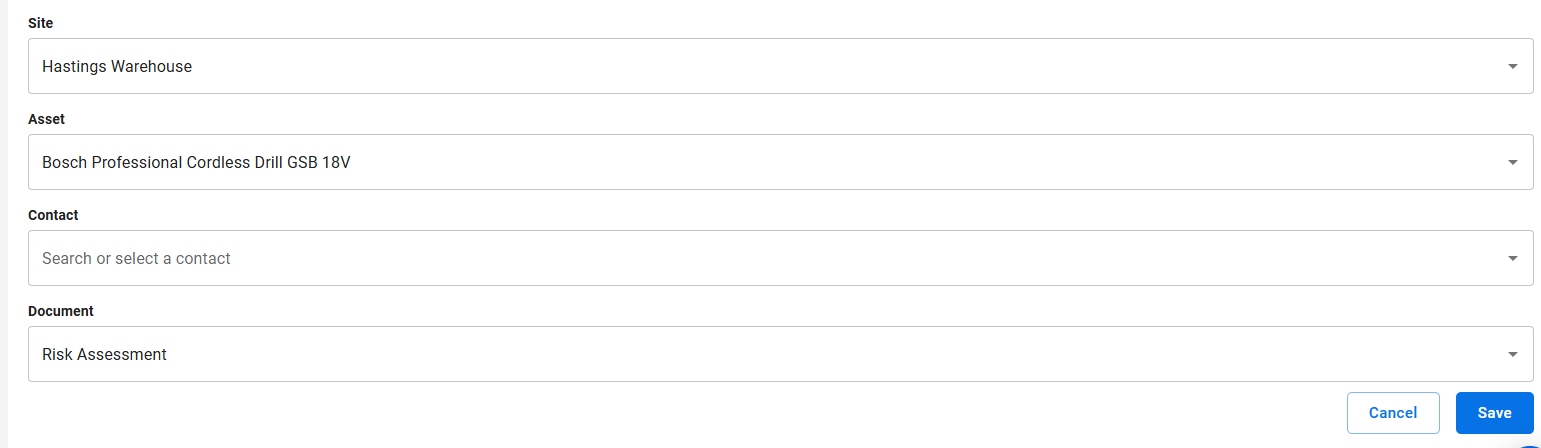
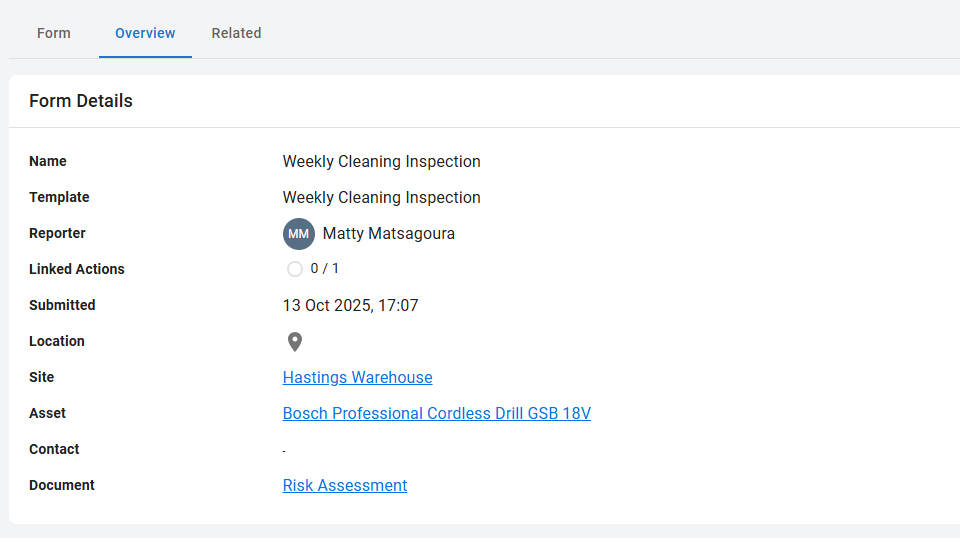
Your completed audit is now linked to a Site/Asset/Contact/Document!