
You can choose which email notifications you want to receive by updating your settings.
-
Click on your initials in the top right-hand corner of the screen and select 'Settings'.
-
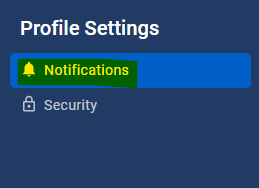
In the left-hand menu, click 'Notifications'.
-
Use the toggle buttons to enable or disable notifications. Notifications are enabled by default when your account is created. You can turn them off at any time.
-
Blue toggle = notifications are enabled
-
Grey toggle = notifications are disabled
The notification options available to you vary depending on your role (Account Owner, Manager, or User).
Account Owner notifications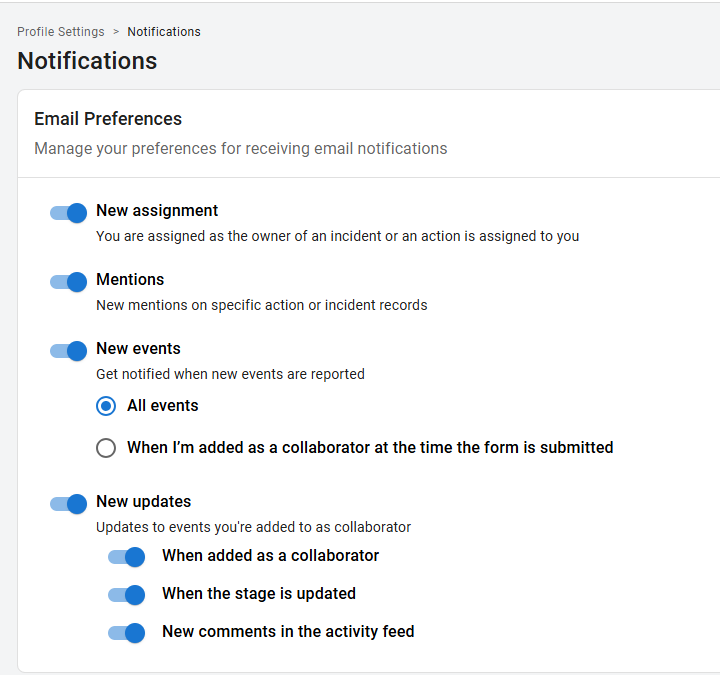
Manager notifications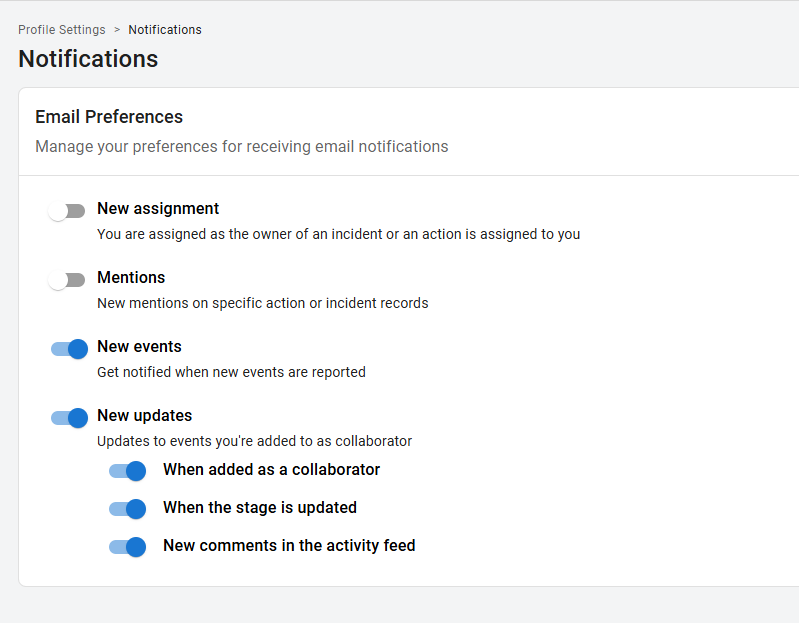
User notifications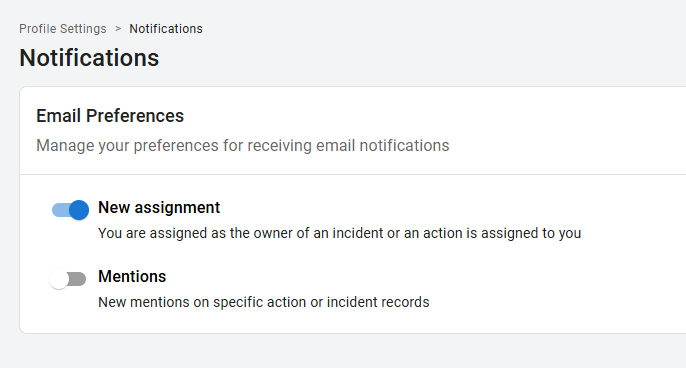
-
If notifications are enabled, you will receive an email when the following happens:
-
New Assignment: you are assigned as the Owner of an Event or a corrective action is assigned to you.
-
Mentions: you are tagged using '@' in the activity feed of an event or action record
-
New Events:
-
Managers receive notifications when they are added as a collaborator on a new event.
-
Account Owners can choose to receive notifications for all events reported in the organisation or only for events where they are added as a collaborator through assignment rules.
-