
Our events and actions tables have powerful customisation features that enable you to modify the list view by changing the filters and columns to match your preferences. You can save these settings and access them later, even if you leave the page and come back.
Columns
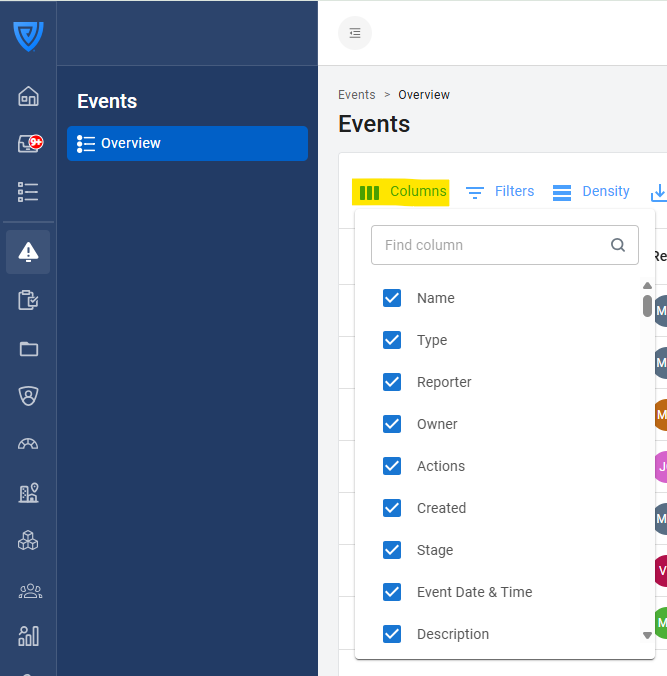
To customise the columns, click 'Columns' and select the fields you want to display at the top of your table.
You can use the search bar at the top of the menu to locate the fields you need to show in your overview.
Filters
To customise the filters, click 'Filters' and choose what you would like to filter the list by.
If prompted, type what you would like to filter by. For example, if you would like to filter the list of events to view only Accidents, select 'Type' and write 'Accidents'. The video below demonstrates how to do this:
Yes, you can customise the columns and filters in the table in the 'Actions' tab in the same way: