
To add a new user, you need to be an Account Owner. If you do not have Account Owner permissions, you will need to contact your system administrator to add new users.
-
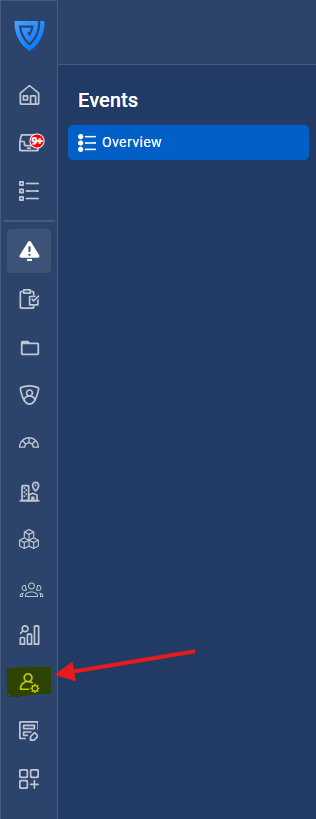
Click on the 'Admin' button in the navigation bar.
-
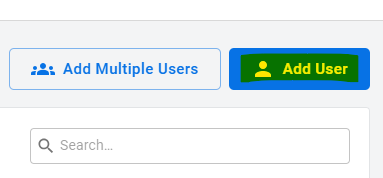
Click on the blue 'Add User' button. This is located on the top right-hand side of the screen.
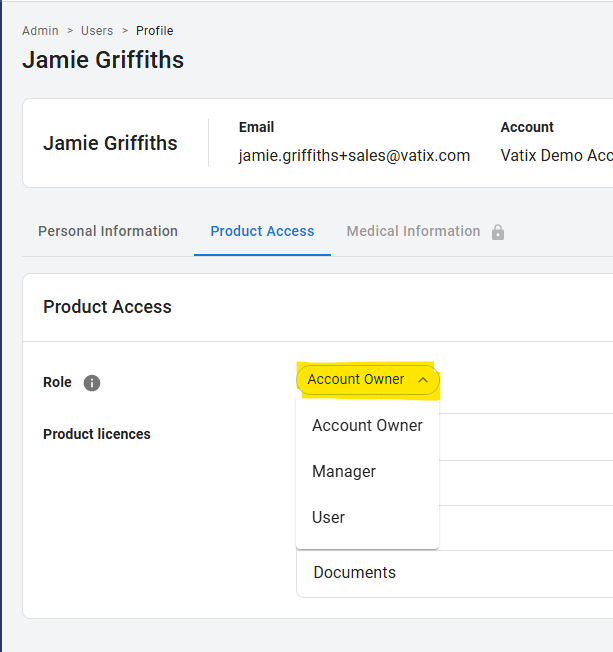
3. Fill in the details required, selecting the appropriate role for that user, depending on whether they will be a User, Manager, or Account Owner. This will determine their user permissions (the level of access to information and what they can do on the platform). Select the product licences according to what you have purchased. If you have already created Teams, you can add them to a Team, but this can also be done later.
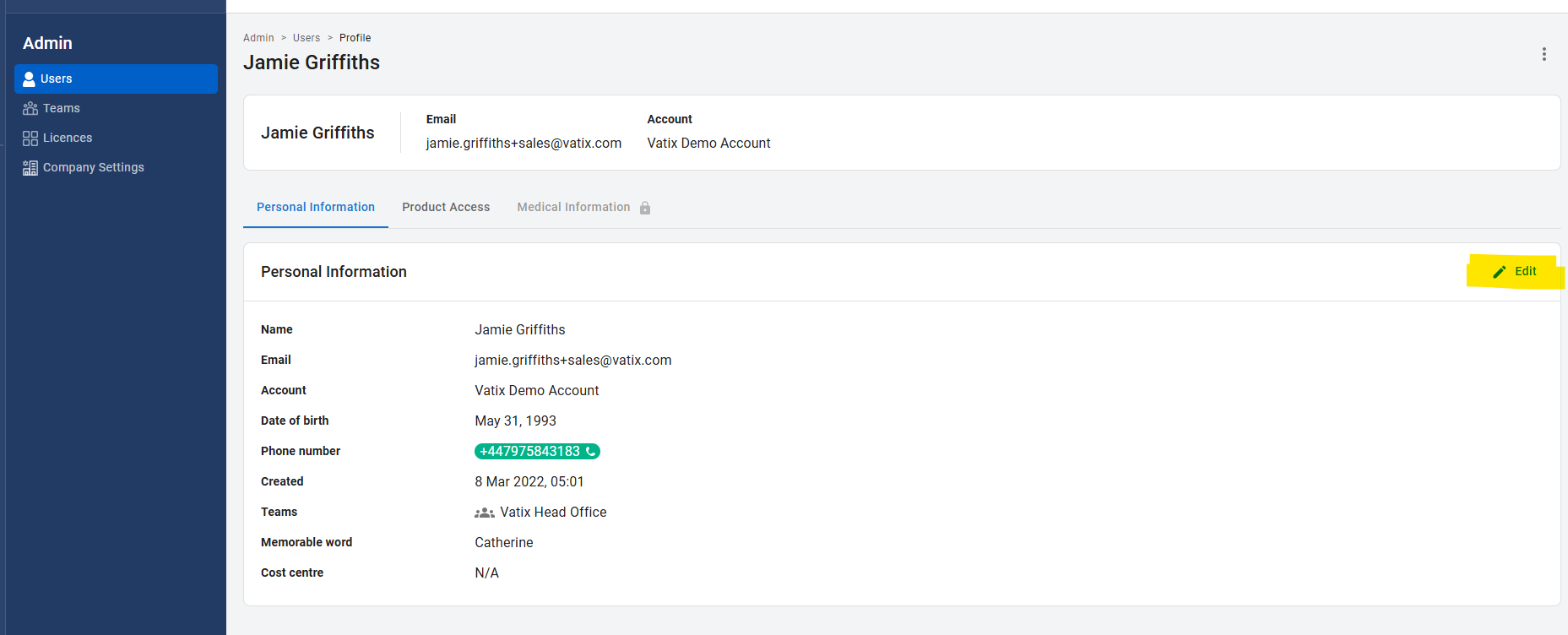
4. If you would like to change a user's details, click on the user in the 'Users' tab, and click 'Edit'. You can also edit their permissions in the 'Product access' tab.
To add multiple users at once, refer to this article.