
You can add guidance below section titles or within form questions to help reporters understand what information to provide. This can make your forms easier to follow, reduce misreporting, and improve the quality of responses you receive.
Editing guidance text does not affect how data is collected or stored; it just changes the on-screen instructions reporters see when completing the form.
To edit guidance text
-
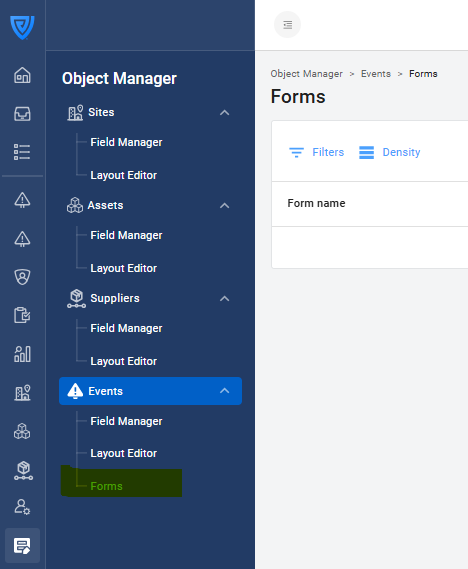
Go to Object Manager → Events → Forms.
-
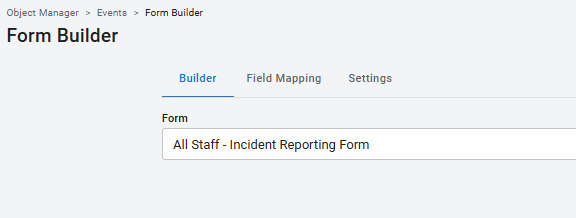
Open the form you want to edit.
-
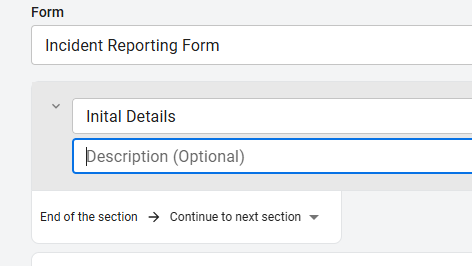
Click the section name or question that contains the guidance you want to change.
-
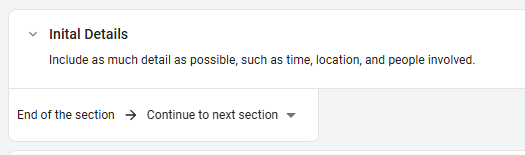
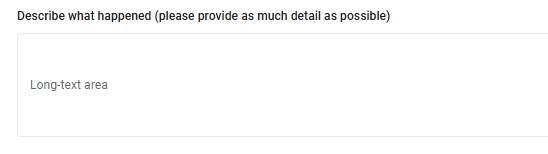
Update the Description area in the section heading with your guidance text. Please note that you can also include short guidance in the question labels themselves (example below).
-
Click Publish in the top-right corner to save your changes.
Tip: Use short, clear sentences to explain what information the reporter should provide and when certain details are required.
Examples of effective guidance
-
“Include as much detail as possible, such as time, location, and people involved.”
-
“Only complete this section if the event resulted in an injury.”
-
“Attach a photo of the hazard if available.”