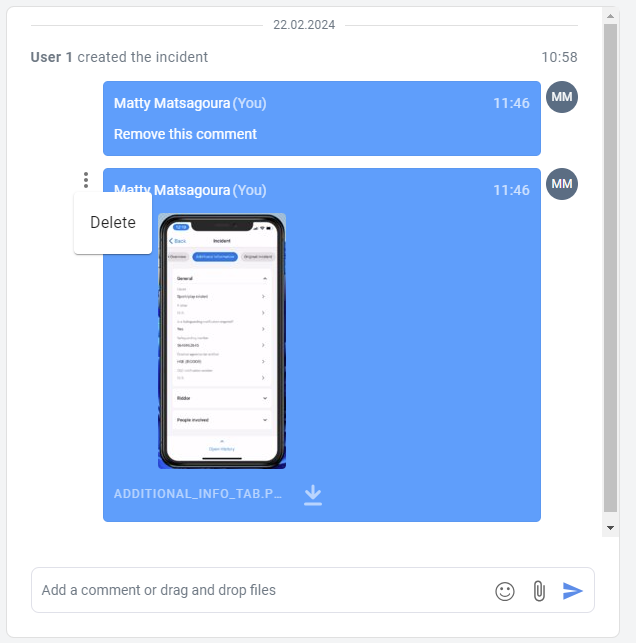
Account Owners can remove their own comments, and others' attachments. They cannot remove others' comments.
If you have added comments or attachments that you need to remove from the Activity Log or Additional Comments box, it is easy to do so. If you are an Account Owner, you can also remove others' attachments. We want you to be able to correct mistakes and keep your records accurate and up-to-date. Take advantage of this helpful feature whenever you need it.
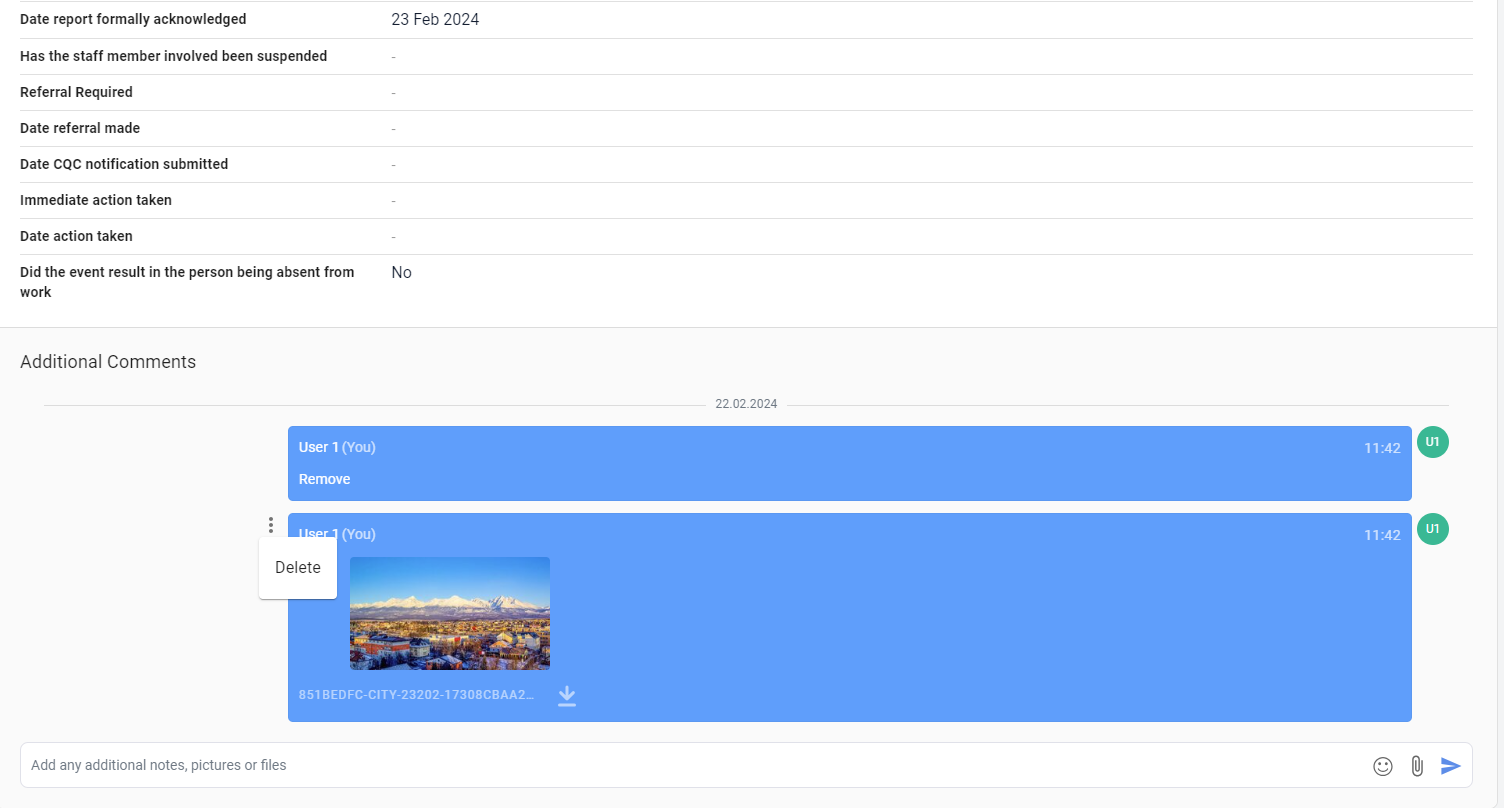
To remove a comment or attachment you have added to the Activity Log or Additional Comments box, hover over the message and three dots will appear. Click on the three dots, and click 'Delete'.
Additional Comments:
Activity Log