
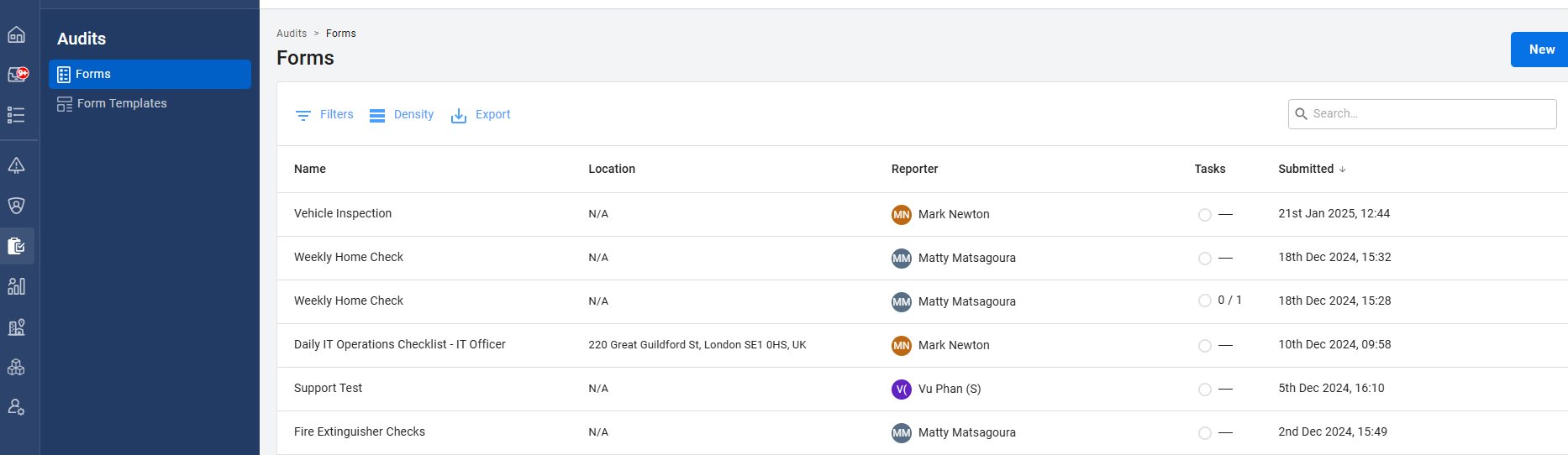
Choose the submitted form you want to delete in the "Forms" tab.
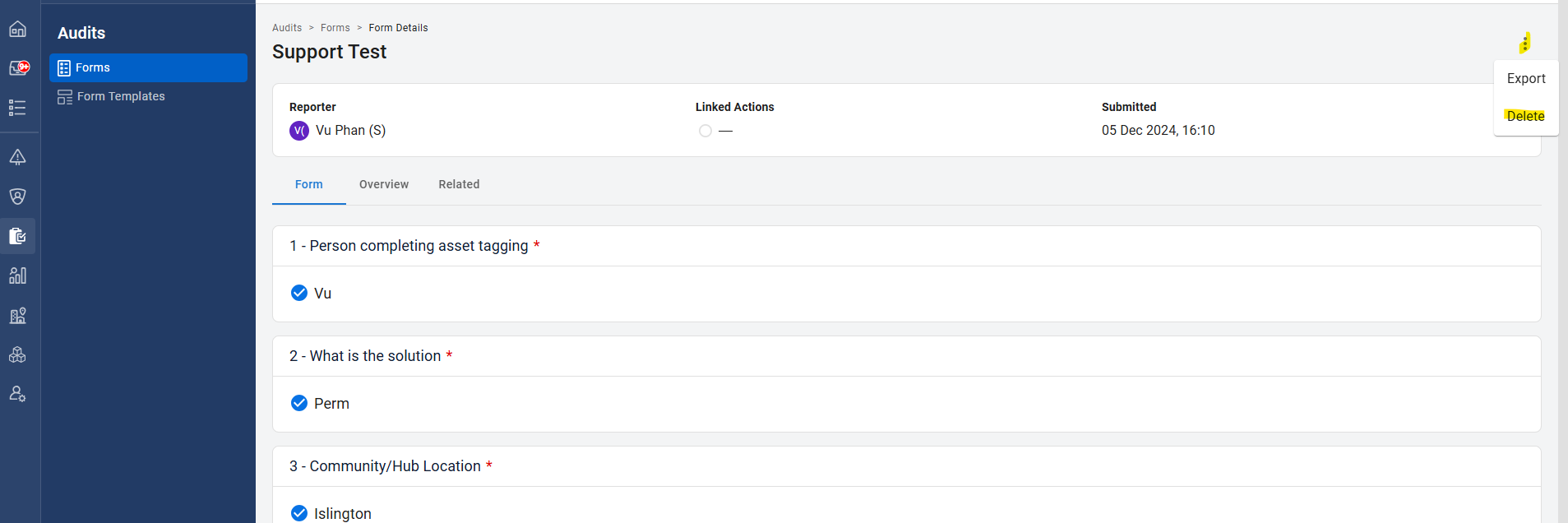
Click the 3 dots in the top right and click Delete.
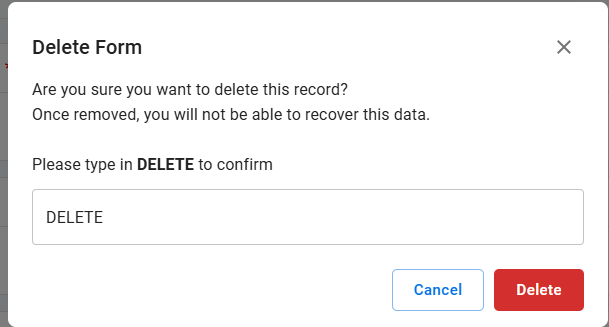
You must type "DELETE" to confirm you want to delete the submitted form.
Your submitted form will now be deleted and not appear on your list.