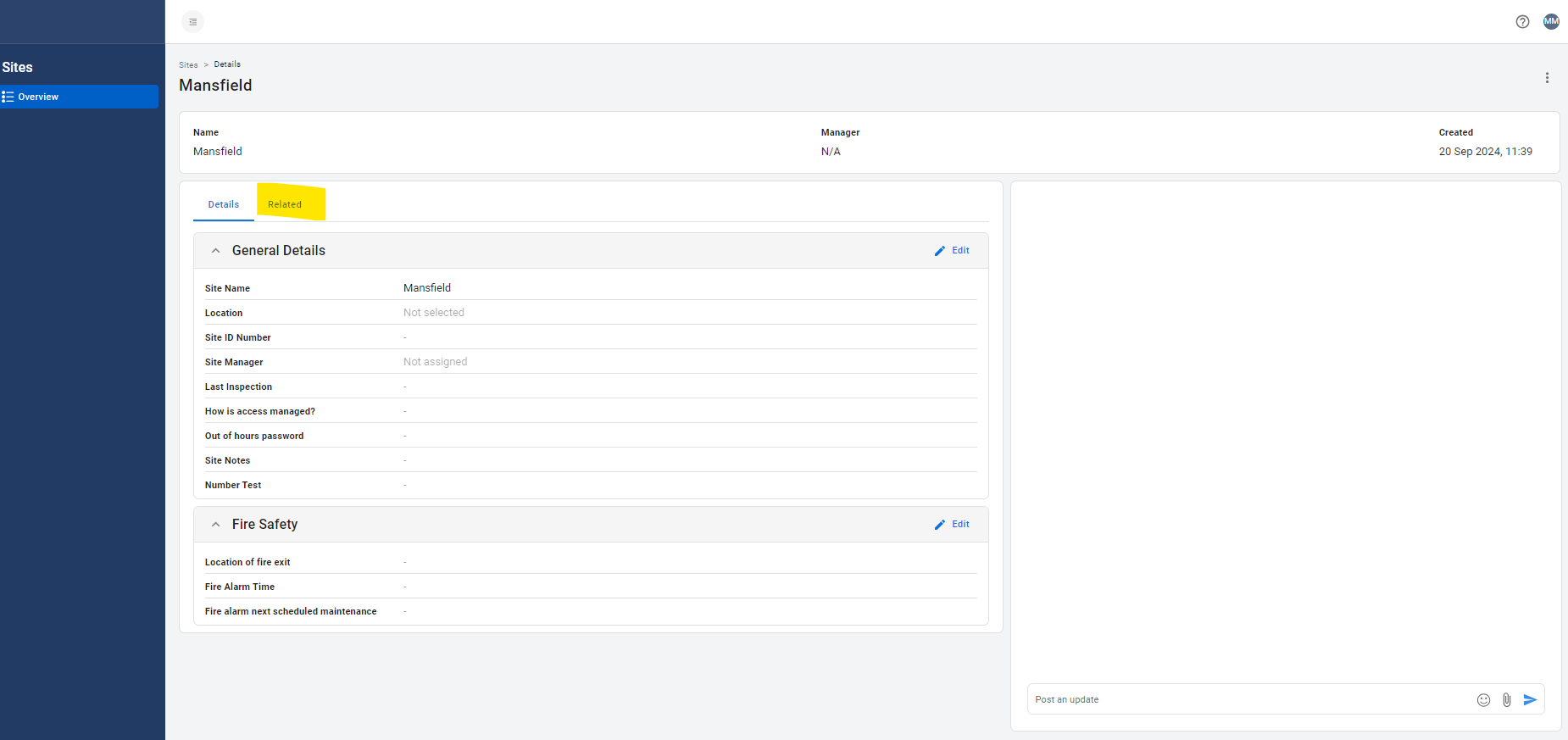
Click on the asset in question.
Click on the 'Related' tab.
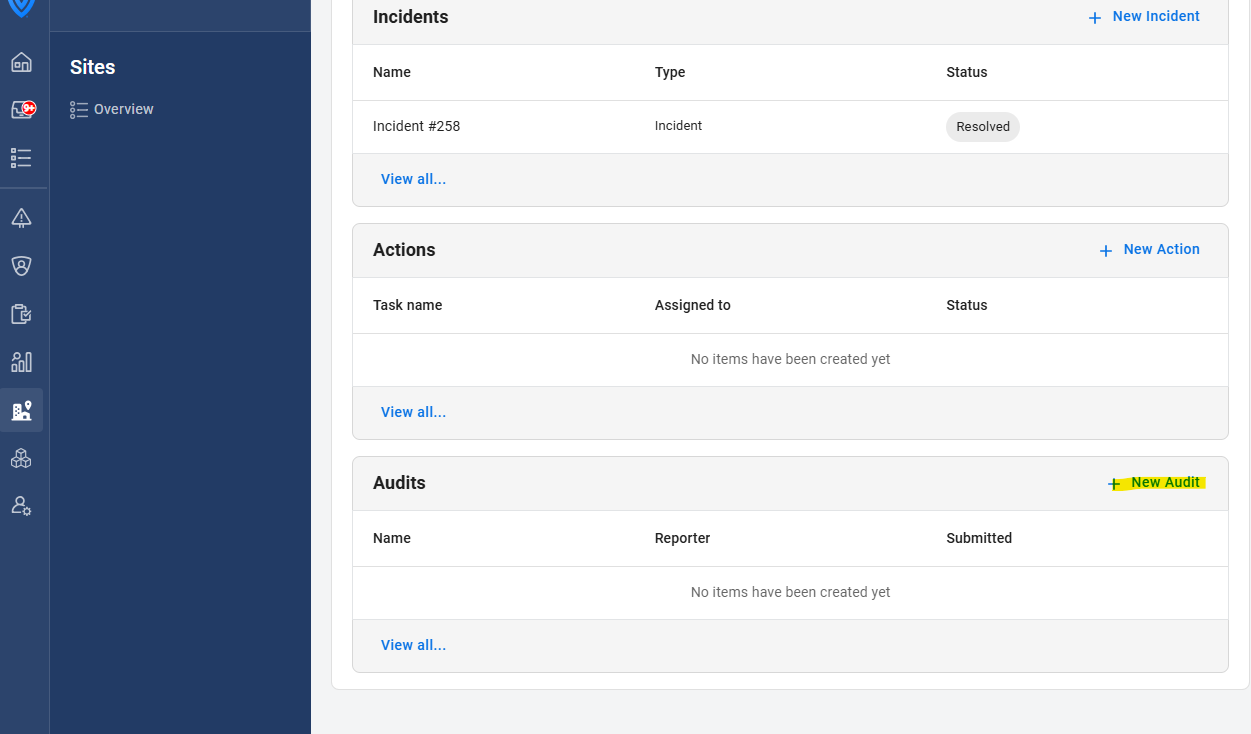
Click on 'New Audit':
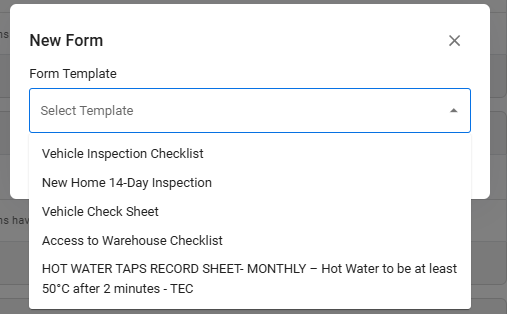
This will then bring up a box asking you to choose a form template. When submitted, this form will be linked to that asset and will appear on the Related tab of that asset.
English - United Kingdom
